Free Charts for Webflow
How to create free charts for Webflow with no coding required
How to Create Free Charts for Webflow
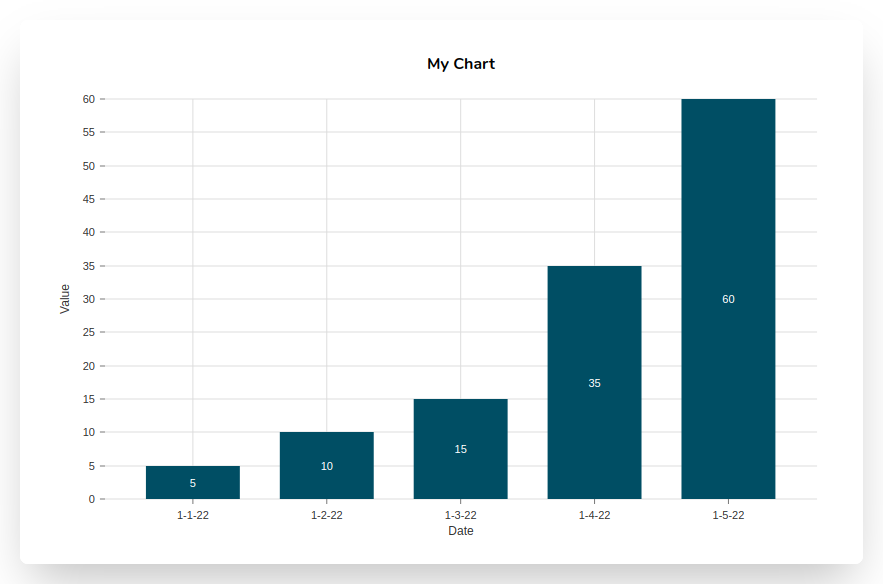
Use our Free Chart Maker to create your Webflow chart. Currently, you have the option of a pie chart, bar chart, or line graph. You must first enter your data in CSV format before customizing your chart by altering its colors, axis information, gridlines, title, and other elements.
Once your Webflow chart is complete, choose Embed SVG and copy the embed code to the clipboard. Unlike many other chart builders, this one is completely free and doesn't ask you to log in or create an account.
Open the Post or Page where you wish to insert your chart in Webflow. Your SVG embed code should be pasted into a Custom Code Embed block. You can do this by opening the Add Panel and adding an Embed element to your Webflow canvas. The benefit of directly putting the SVG code into your Webflow Post or Page is that your charts will be fully responsive and scalable to any size.
You may also save your chart as a PNG picture and upload it to your Webflow website just like any other image file. These PNG graphics are also very simple to distribute on social media.
Webflow Chart Features
Incorporating mobile friendly, eye-catching charts into the source code of your Webflow posts and pages is easy with our free online tool. Simply create your chart, copy the embed code, and then paste it into your Webflow post.
- Completely free to use
- No need to log in or register
- Pick from bar charts, pie charts or line graphs
- Uses CSV data
- Several color selections and other customizing possibilities